'%3e%3cpath%20d='M31.96%2042.4211V31.2583H35.3337L35.8398%2026.9067H31.96V24.1288C31.96%2022.8693%2032.2738%2022.011%2033.9025%2022.011L35.9764%2022.01V18.1178C35.6177%2018.066%2034.3866%2017.9474%2032.9537%2017.9474C29.9616%2017.9474%2027.9132%2019.975%2027.9132%2023.6978V26.9067H24.5293V31.2583H27.9132V42.4211H31.96Z'%20fill='white'/%3e%3c/g%3e%3cdefs%3e%3cclipPath%20id='clip0_820_4965'%3e%3crect%20width='22.8941'%20height='24.4737'%20fill='white'%20transform='translate(19.6235%2017.9474)'/%3e%3c/clipPath%3e%3c/defs%3e%3c/svg%3e)
'%3e%3cpath%20d='M36.9363%2019.0706H25.6868C22.0255%2019.0706%2019.0469%2022.0424%2019.0469%2025.6954V36.9196C19.0469%2040.5724%2022.0255%2043.5442%2025.6868%2043.5442H36.9365C40.5976%2043.5442%2043.5762%2040.5724%2043.5762%2036.9196V25.6954C43.5762%2022.0424%2040.5976%2019.0706%2036.9363%2019.0706ZM31.3116%2037.9992C27.6132%2037.9992%2024.6045%2034.9973%2024.6045%2031.3074C24.6045%2027.6174%2027.6132%2024.6156%2031.3116%2024.6156C35.0099%2024.6156%2038.0186%2027.6174%2038.0186%2031.3074C38.0186%2034.9973%2035.0099%2037.9992%2031.3116%2037.9992ZM38.179%2026.1937C37.0861%2026.1937%2036.1972%2025.3068%2036.1972%2024.2163C36.1972%2023.1259%2037.0861%2022.2388%2038.179%2022.2388C39.272%2022.2388%2040.161%2023.1259%2040.161%2024.2163C40.161%2025.3067%2039.2719%2026.1937%2038.179%2026.1937Z'%20fill='white'/%3e%3cpath%20d='M37.8527%2023.9653C37.402%2023.9653%2037.0352%2024.3315%2037.0352%2024.7811C37.0352%2025.2308%2037.402%2025.5969%2037.8527%2025.5969C38.3036%2025.5969%2038.6704%2025.2311%2038.6704%2024.7811C38.6704%2024.3312%2038.3036%2023.9653%2037.8527%2023.9653Z'%20fill='white'/%3e%3cpath%20d='M27.2234%2031.3073C27.2234%2029.0581%2029.0575%2027.2284%2031.3116%2027.2284C33.5659%2027.2284%2035.3999%2029.0581%2035.3999%2031.3073C35.3999%2033.5564%2033.5659%2035.3863%2031.3116%2035.3863C29.0575%2035.3863%2027.2234%2033.5564%2027.2234%2031.3073Z'%20fill='white'/%3e%3c/g%3e%3cdefs%3e%3cclipPath%20id='clip0_820_4970'%3e%3crect%20width='24.5294'%20height='24.4737'%20fill='white'%20transform='translate(19.0469%2019.0706)'/%3e%3c/clipPath%3e%3c/defs%3e%3c/svg%3e)


How to Evaluate a Mobile Redemption Kiosk for Business Use
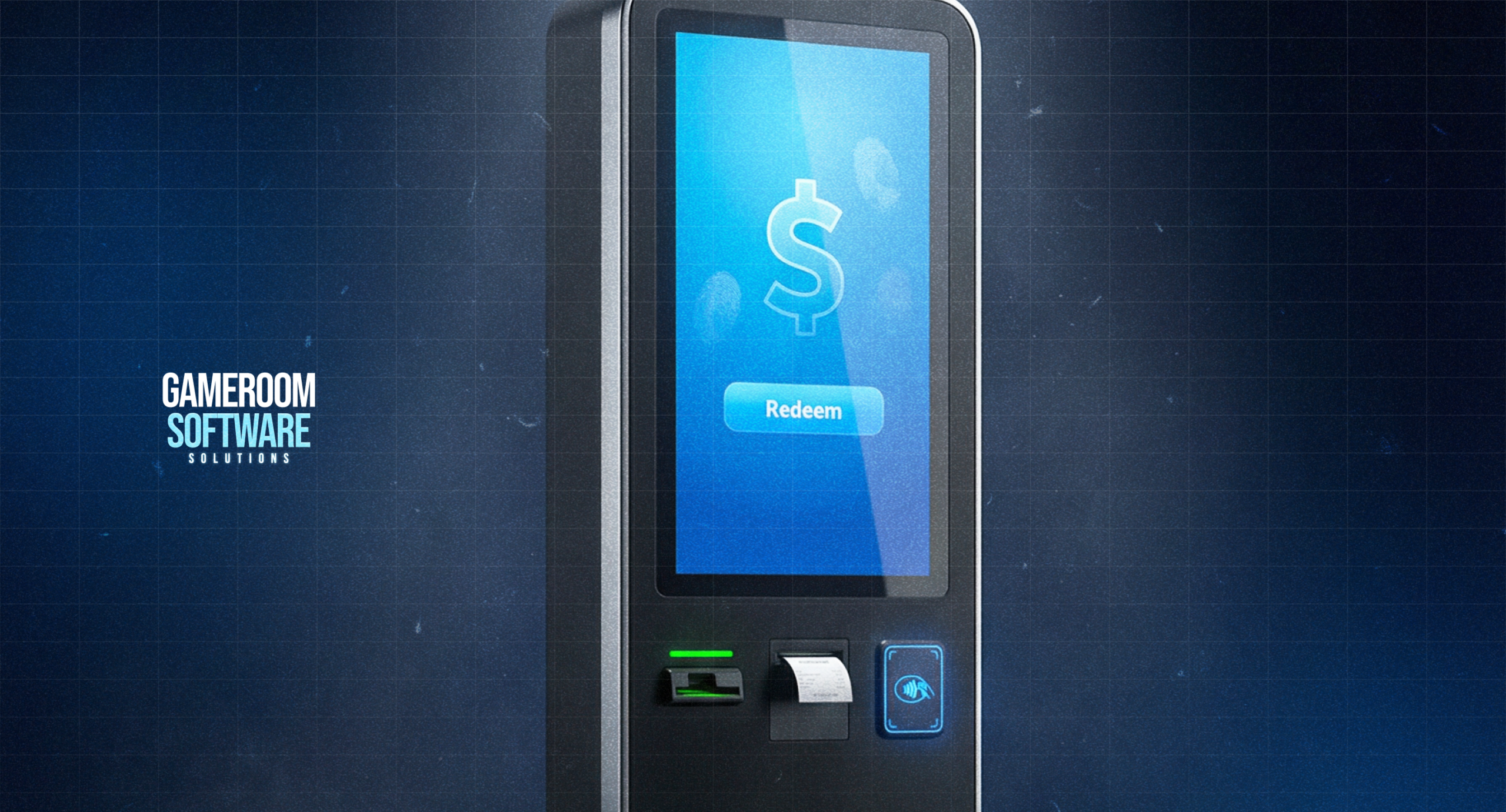
A mobile redemption kiosk is a service terminal for the account and transaction functions supported by its configuration. For an operator, the buying decision concerns what it handles, how it connects to the selected platform, and what employees do when a request cannot be completed.
It should be assessed separately from a machine used to access games. The word mobile also does not establish that the cabinet is portable. Review the actual equipment and its installation requirements before making assumptions from the product category.
Define the Service the Kiosk Will Provide
Depending on the proposed hardware and software, service functions may include account creation, credit-related purchases, or redemption operations. Ask which functions are included in the quote and which require additional components or a different configuration.
Request an operator-focused explanation of each supported task. Identify the record showing platform completion and any separate physical action performed by the equipment. A printed receipt, changed account balance, and movement of cash are distinct events.
Ask how staff establish the final status when those events do not agree. The business needs an investigation process, not an assumption that a successful message proves every part of the operation finished. Keep platform credits and actual funds distinct in the associated records.
Verify the Complete Platform Connection
Review mobile game kiosk configurations against the platform and account arrangement the venue intends to use. Confirm the particular kiosk model, software setup, and supported operations together. General compatibility language is only a starting point.
Where several platforms are proposed, identify which are included in the order. Ask whether staff procedures differ between them and what evidence confirms a transaction in each system. One supported connection does not establish compatibility with every product the supplier sells.
If gaming stations will sit nearby, define their relationship to the kiosk. The station may provide game access while the kiosk handles service tasks. Confirm the account and record connection without assuming automatic synchronization or a shared balance across all equipment.
Assign Routine and Exception Responsibilities
Plan where staff can reach the cabinet for checks and authorized maintenance. Review the installation footprint, service clearance, and delivery route using the quoted dimensions. The location should preserve normal movement through the store as well as access to equipment.
Confirm power, connection requirements, and responsibility for the local network. Ask what happens during an interruption and when staff should take the kiosk out of service. Do not base operating procedures on an assumed offline capability.
Allocate cleaning, consumables, and cash-handling duties where applicable. Establish which actions employees are authorized to perform and which require a technician. Self-service changes the handling of routine requests but leaves the business responsible for maintaining a workable response to exceptions.
Make Handover a Functional Check
The order should identify included components, optional items, and separate installation or software charges. Review warranty terms by component, including relevant parts, labor, shipping, and repair responsibilities. A general warranty label does not explain every service cost.
Before installation, agree on the workflows that will be demonstrated. Include an interrupted request or unavailable peripheral where the supplier can safely demonstrate the response. Employees should know what evidence to retain and who confirms an uncertain outcome.
At handover, compare the supplied configuration with the order and record outstanding items. Make instructions and contacts accessible across shifts. A cabinet that powers on is not necessarily ready for business use if account connections, exception handling, or service responsibilities remain unresolved.
FAQ
Is a redemption kiosk intended to replace a gaming terminal?
It serves a different function. A redemption kiosk handles supported service or account operations, while a gaming terminal provides access to software. A venue may use both, but their roles and the proposed connection need separate confirmation before purchase.
How is compatibility with several platforms established?
Request confirmation for each platform, account arrangement, and kiosk configuration included in the proposal. Identify the functions supported for each connection. A successful test with one system does not verify other products or every operation the business may want.
What responsibilities remain after adding self-service equipment?
The business still needs maintenance, supplies, incident handling, and assistance for unresolved operations. Assign responsibility for taking equipment out of service and returning it to use. Confirm which tasks staff can perform and when technical support must become involved.
Ask GameRoom Software for a kiosk proposal matched to your platform, venue, and service responsibilities.