'%3e%3cpath%20d='M31.96%2042.4211V31.2583H35.3337L35.8398%2026.9067H31.96V24.1288C31.96%2022.8693%2032.2738%2022.011%2033.9025%2022.011L35.9764%2022.01V18.1178C35.6177%2018.066%2034.3866%2017.9474%2032.9537%2017.9474C29.9616%2017.9474%2027.9132%2019.975%2027.9132%2023.6978V26.9067H24.5293V31.2583H27.9132V42.4211H31.96Z'%20fill='white'/%3e%3c/g%3e%3cdefs%3e%3cclipPath%20id='clip0_820_4965'%3e%3crect%20width='22.8941'%20height='24.4737'%20fill='white'%20transform='translate(19.6235%2017.9474)'/%3e%3c/clipPath%3e%3c/defs%3e%3c/svg%3e)
'%3e%3cpath%20d='M36.9363%2019.0706H25.6868C22.0255%2019.0706%2019.0469%2022.0424%2019.0469%2025.6954V36.9196C19.0469%2040.5724%2022.0255%2043.5442%2025.6868%2043.5442H36.9365C40.5976%2043.5442%2043.5762%2040.5724%2043.5762%2036.9196V25.6954C43.5762%2022.0424%2040.5976%2019.0706%2036.9363%2019.0706ZM31.3116%2037.9992C27.6132%2037.9992%2024.6045%2034.9973%2024.6045%2031.3074C24.6045%2027.6174%2027.6132%2024.6156%2031.3116%2024.6156C35.0099%2024.6156%2038.0186%2027.6174%2038.0186%2031.3074C38.0186%2034.9973%2035.0099%2037.9992%2031.3116%2037.9992ZM38.179%2026.1937C37.0861%2026.1937%2036.1972%2025.3068%2036.1972%2024.2163C36.1972%2023.1259%2037.0861%2022.2388%2038.179%2022.2388C39.272%2022.2388%2040.161%2023.1259%2040.161%2024.2163C40.161%2025.3067%2039.2719%2026.1937%2038.179%2026.1937Z'%20fill='white'/%3e%3cpath%20d='M37.8527%2023.9653C37.402%2023.9653%2037.0352%2024.3315%2037.0352%2024.7811C37.0352%2025.2308%2037.402%2025.5969%2037.8527%2025.5969C38.3036%2025.5969%2038.6704%2025.2311%2038.6704%2024.7811C38.6704%2024.3312%2038.3036%2023.9653%2037.8527%2023.9653Z'%20fill='white'/%3e%3cpath%20d='M27.2234%2031.3073C27.2234%2029.0581%2029.0575%2027.2284%2031.3116%2027.2284C33.5659%2027.2284%2035.3999%2029.0581%2035.3999%2031.3073C35.3999%2033.5564%2033.5659%2035.3863%2031.3116%2035.3863C29.0575%2035.3863%2027.2234%2033.5564%2027.2234%2031.3073Z'%20fill='white'/%3e%3c/g%3e%3cdefs%3e%3cclipPath%20id='clip0_820_4970'%3e%3crect%20width='24.5294'%20height='24.4737'%20fill='white'%20transform='translate(19.0469%2019.0706)'/%3e%3c/clipPath%3e%3c/defs%3e%3c/svg%3e)


Fire Kirin for Operators: Reviewing Access, Accounts, and Setup
Fire Kirin may enter a business’s shortlist because customers or staff recognize the name. That recognition is a reason to investigate the platform, not a substitute for checking how the proposed setup will be administered and supported.
The Fire Kirin system page lists a cloud-based Play-at-Home system with prepaid points, Android and iOS apps, browser access, and mobile game kiosk compatibility. Those categories provide a starting point for an operator review, while the specific configuration and commercial terms still need agreement.
Connect the Access Options With the Business Model
Identify whether the proposal concerns an existing game room, a retail addition, or a remote-access offering. Each creates different support responsibilities. Ask which of the listed access methods are included in the proposed arrangement and what current device requirements apply.
Review the available catalog by category and account scope. The page identifies fish-style and slot-style content, but a catalog discussion should establish what the business is actually offering. It should not depend on claims that every audience recognizes or prefers the same titles.
Distinguish game access from operator administration. Employees need to know which interface supports their duties and what assistance they can provide. A range of access options does not automatically give the business every account function it may want.
Define Purchasing and Administrative Responsibilities
For the prepaid model, obtain the opening purchase terms and the process for subsequent orders. Identify who approves requests, which account receives the allocation, and what records confirm it. Keep platform points separate from customer funds and other business receipts.
Map the tasks performed by managers and staff, then ask which permissions the proposed account provides. Distributor, store, and cashier terminology should be explained for the actual configuration. Do not plan a hierarchy solely because similar labels appear in another system.
Ask about unused points and account changes before committing to a larger allocation. Refunds, transfers, and continuity between arrangements require explicit terms. Adding Fire Kirin should not be presented as an automatic migration of existing balances or account information.
Check Kiosk Compatibility and Support Boundaries
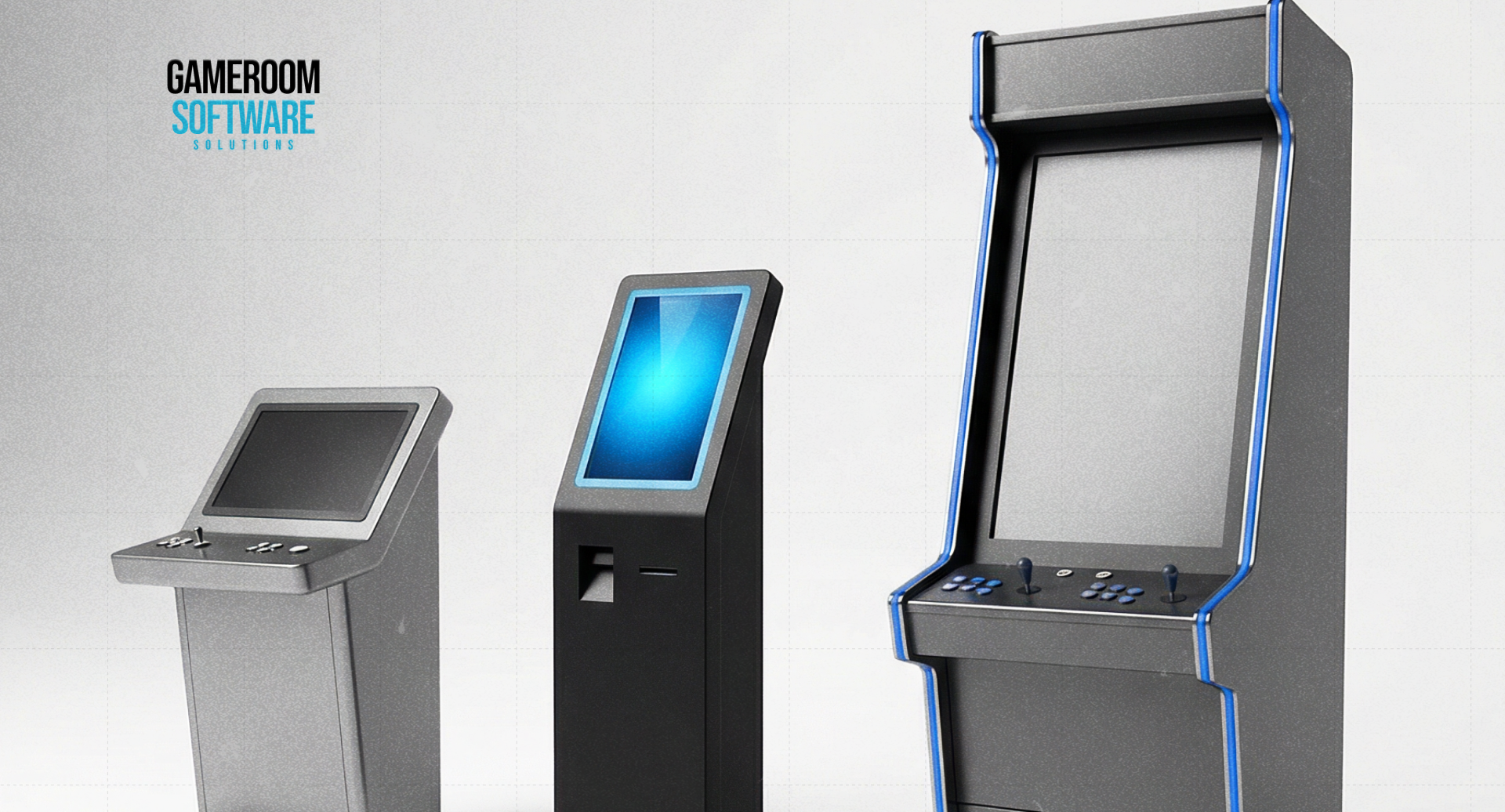
If a kiosk is part of the venue plan, request confirmation for its specific model and software configuration. Published mobile game kiosk compatibility does not establish support for every terminal or peripheral. Identify the service functions included and what staff must handle separately.
For interrupted operations, ask which records establish completion and who investigates a mismatch. Hardware actions and platform account events may require different checks. Employees need an agreed escalation route instead of assuming one successful response confirms the entire workflow.
Clarify support channels, coverage, and ownership of updates for the proposed account. Ask which matters require a developer or another technical party. A broad support description should not be read as a promise of a particular resolution time or authority to change underlying game behavior.
Evaluate the Setup Under Limited Operating Conditions
Request a defined test arrangement with representative devices and the employees responsible for administration. Agree on costs, account scope, documentation, and criteria for acceptance. Have the relevant review completed for the intended operating model before broader use.
Observe whether staff can follow the instructions, identify the correct purchasing account, and report a problem with useful information. Record repeated workarounds and unclear responsibilities. These findings reveal operational fit more directly than a general statement about the platform’s reputation.
Compare the result with the requirement that prompted the inquiry. Resolve unconfirmed devices, permissions, or kiosk dependencies before expansion. A familiar product becomes a workable business addition through an understood configuration and support process, not familiarity alone.
FAQ
Which access options does the Fire Kirin listing identify?
It identifies Android and iOS apps plus browser access, within a cloud-based Play-at-Home system. Confirm device requirements and the proposed account conditions. These categories do not establish that every device or remote-use arrangement is suitable for the business.
Does kiosk compatibility cover every kiosk model?
No universal match should be assumed. Confirm the specific kiosk, software configuration, account connection, and supported operations together. The business also needs procedures for interrupted transactions and clarity about which hardware or platform issues require separate technical assistance.
What should be settled before opening an operator account?
Confirm purchasing terms, administrative permissions, available records, support responsibilities, and unused-point conditions. Define the intended access methods and any equipment dependencies. A clear account proposal should explain routine work and exceptions before the business commits to a larger rollout.
Discuss Fire Kirin with GameRoom Software using your intended access methods, account duties, and equipment requirements.