'%3e%3cpath%20d='M31.96%2042.4211V31.2583H35.3337L35.8398%2026.9067H31.96V24.1288C31.96%2022.8693%2032.2738%2022.011%2033.9025%2022.011L35.9764%2022.01V18.1178C35.6177%2018.066%2034.3866%2017.9474%2032.9537%2017.9474C29.9616%2017.9474%2027.9132%2019.975%2027.9132%2023.6978V26.9067H24.5293V31.2583H27.9132V42.4211H31.96Z'%20fill='white'/%3e%3c/g%3e%3cdefs%3e%3cclipPath%20id='clip0_820_4965'%3e%3crect%20width='22.8941'%20height='24.4737'%20fill='white'%20transform='translate(19.6235%2017.9474)'/%3e%3c/clipPath%3e%3c/defs%3e%3c/svg%3e)
'%3e%3cpath%20d='M36.9363%2019.0706H25.6868C22.0255%2019.0706%2019.0469%2022.0424%2019.0469%2025.6954V36.9196C19.0469%2040.5724%2022.0255%2043.5442%2025.6868%2043.5442H36.9365C40.5976%2043.5442%2043.5762%2040.5724%2043.5762%2036.9196V25.6954C43.5762%2022.0424%2040.5976%2019.0706%2036.9363%2019.0706ZM31.3116%2037.9992C27.6132%2037.9992%2024.6045%2034.9973%2024.6045%2031.3074C24.6045%2027.6174%2027.6132%2024.6156%2031.3116%2024.6156C35.0099%2024.6156%2038.0186%2027.6174%2038.0186%2031.3074C38.0186%2034.9973%2035.0099%2037.9992%2031.3116%2037.9992ZM38.179%2026.1937C37.0861%2026.1937%2036.1972%2025.3068%2036.1972%2024.2163C36.1972%2023.1259%2037.0861%2022.2388%2038.179%2022.2388C39.272%2022.2388%2040.161%2023.1259%2040.161%2024.2163C40.161%2025.3067%2039.2719%2026.1937%2038.179%2026.1937Z'%20fill='white'/%3e%3cpath%20d='M37.8527%2023.9653C37.402%2023.9653%2037.0352%2024.3315%2037.0352%2024.7811C37.0352%2025.2308%2037.402%2025.5969%2037.8527%2025.5969C38.3036%2025.5969%2038.6704%2025.2311%2038.6704%2024.7811C38.6704%2024.3312%2038.3036%2023.9653%2037.8527%2023.9653Z'%20fill='white'/%3e%3cpath%20d='M27.2234%2031.3073C27.2234%2029.0581%2029.0575%2027.2284%2031.3116%2027.2284C33.5659%2027.2284%2035.3999%2029.0581%2035.3999%2031.3073C35.3999%2033.5564%2033.5659%2035.3863%2031.3116%2035.3863C29.0575%2035.3863%2027.2234%2033.5564%2027.2234%2031.3073Z'%20fill='white'/%3e%3c/g%3e%3cdefs%3e%3cclipPath%20id='clip0_820_4970'%3e%3crect%20width='24.5294'%20height='24.4737'%20fill='white'%20transform='translate(19.0469%2019.0706)'/%3e%3c/clipPath%3e%3c/defs%3e%3c/svg%3e)


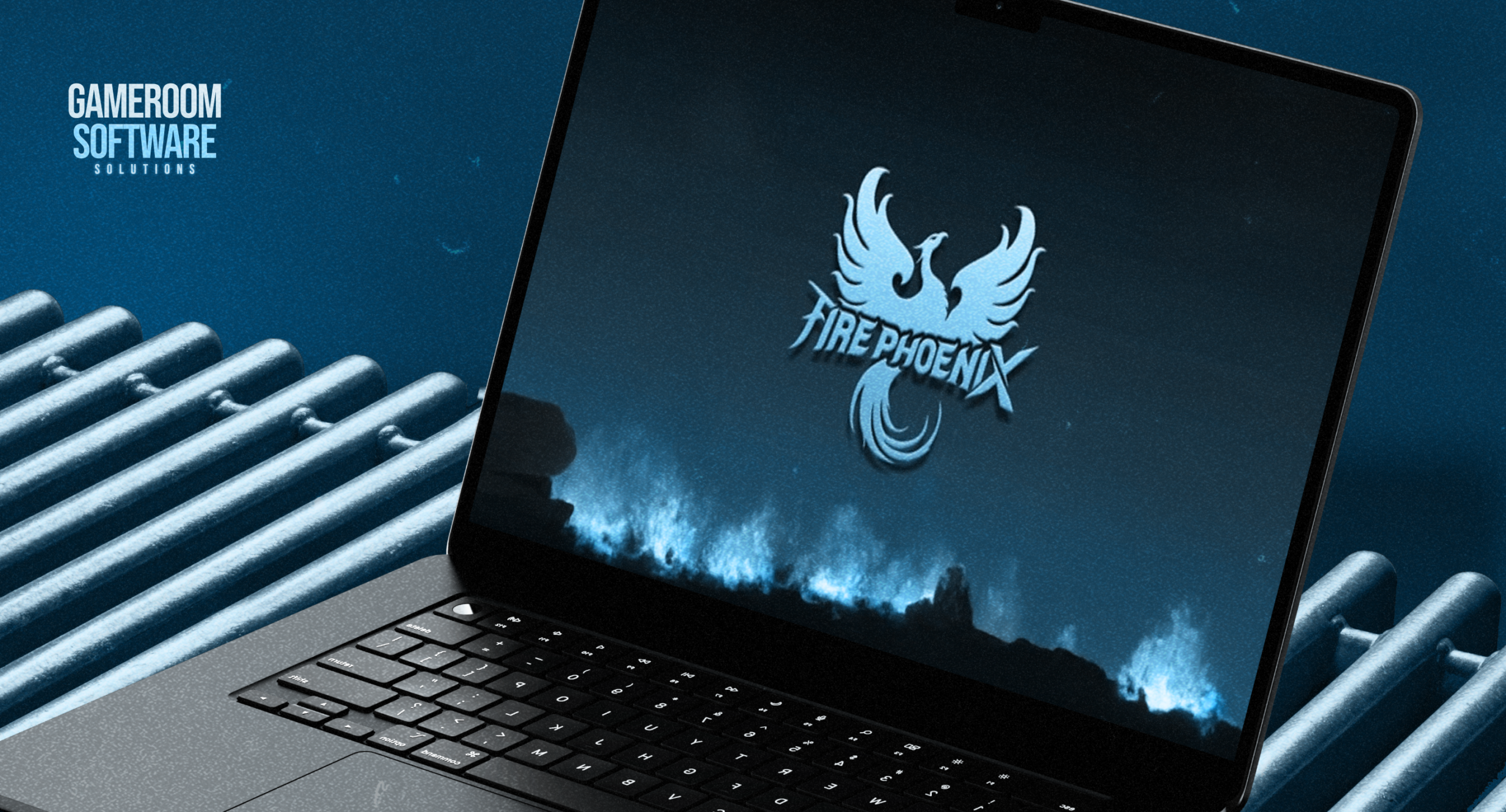
Evaluating Fire Phoenix for a Desktop Gaming Café
A Fire Phoenix gaming platform proposal should explain how the café will operate after installation. The software demonstration is only part of that decision. Owners also need to establish which computers can be retained, what employees will manage, and how technical problems will be handled during a shift.
Start with a description of the intended room and a list of requirements. This gives the supplier a concrete project to evaluate and gives the operator a way to judge whether the proposed configuration meets the café’s needs.
Turn the Floor Plan Into Equipment Requirements
List the stations already installed, including computers, operating systems, displays, and network connections. Mark which components are staying and which need replacement. Include the administrative workstation separately so its requirements are not confused with customer-facing equipment.
The Fire Phoenix system characteristics identify browser and Windows desktop access. Ask which option is proposed for each station and obtain current requirements for that setup. A supported access category does not validate every existing computer.
Describe the room during a busy shift. Employees need access to stations for assistance and maintenance without interrupting the rest of the operation. Cable routes, seating, and equipment placement should be considered alongside software requirements when estimating installation work.
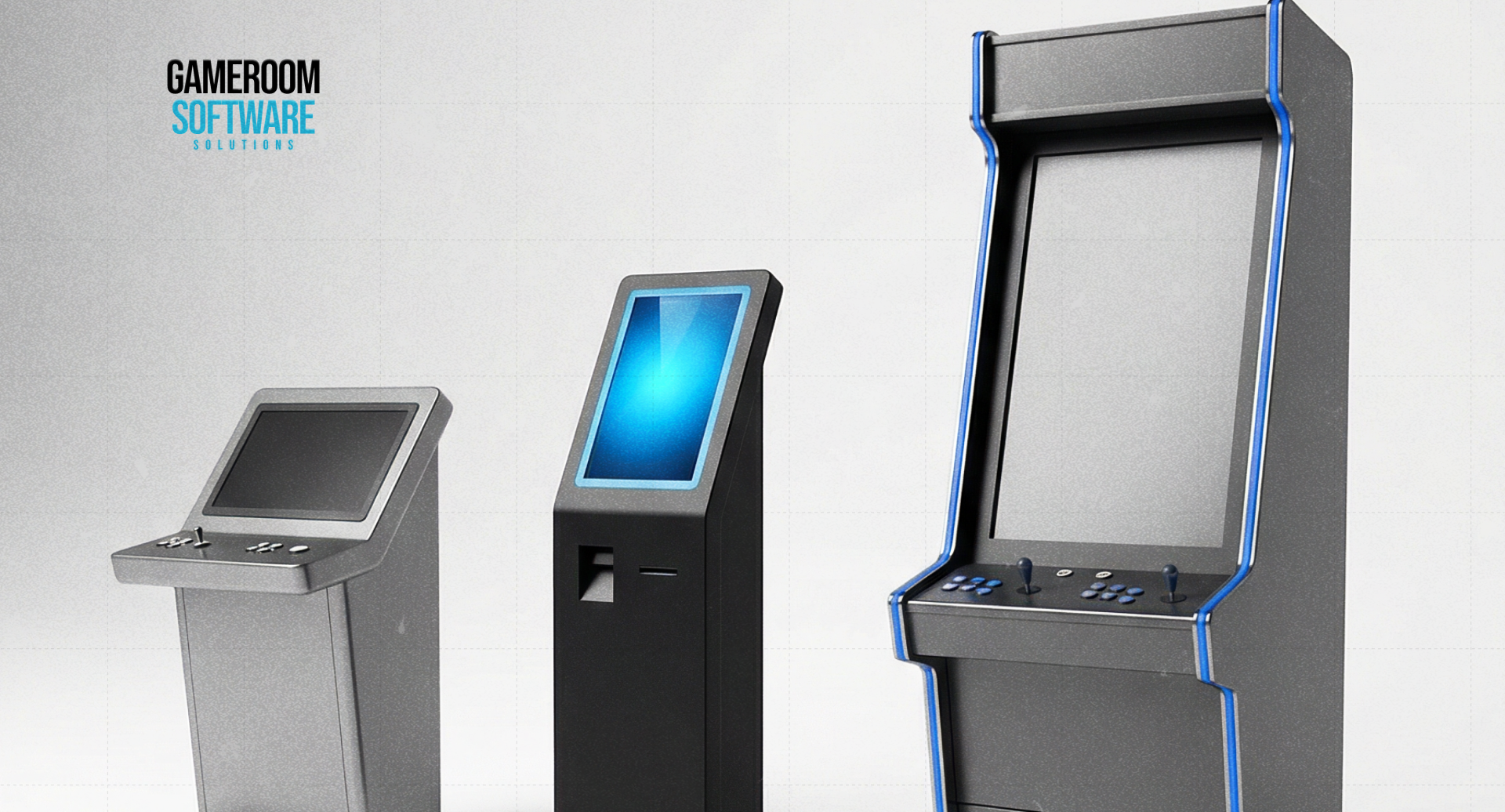
Specify Any Kiosk or Cabinet Connection
The product listing includes mobile game kiosk compatibility. Before ordering, identify the kiosk model and software configuration that will be used together. The quote should explain the supported service functions and any components required to connect the equipment.
A stand-up cabinet needs its own compatibility check. Determine whether its computer, display arrangement, and controls meet the proposed requirements. A supplier’s demonstration on a different terminal does not establish that the café’s cabinet will behave the same way.
Trace the intended workflow between equipment. Identify which system records completion and what staff should do if one component responds while another does not. Resolve those questions before treating several independently quoted items as a complete installation.
Assign Technical Work Before Handover
Decide who approves local software changes, maintains workstations, and contacts the supplier about account issues. Request operating instructions for the employees who will cover normal shifts. An owner who understands the demonstration should not become the only person able to handle routine questions.
If the project involves automation, request documentation for the exact integration. Confirm available operations, account permissions, and responsibility for development. A reference to API capability does not establish support for a particular payment service or custom application.
Ask how updates are announced and whether they require action at the venue. Establish who checks the equipment afterward and how a newly introduced problem is escalated. Keep these responsibilities in the handover record, together with current support contacts.
Use a Small Test to Resolve Buying Questions
Choose representative workstations for a limited evaluation and agree on its commercial terms. Record the equipment and configuration used so a successful result can be reproduced. Include the staff who will actually administer the service.
During the test, assess whether instructions are usable, required tasks can be completed, and support requests receive clear ownership. Note repeated restarts, unexplained delays, and manual workarounds. A demonstration that works once may still leave a burdensome daily process.
End the evaluation with a decision against the original requirements. Confirm remedies for outstanding issues before adding stations. Comparisons with another brand can help frame questions, but they do not prove common account structures, catalogs, or billing arrangements.
FAQ
When should a café consider Fire Phoenix?
Consider it when evaluating a desktop-oriented setup and the proposed access options match the café’s requirements. Review actual equipment, staffing, and service needs before committing. Familiarity with the name does not establish suitability for a particular location.
Can existing cabinets and kiosks be reused?
Possibly, but each proposed combination needs verification. Supply the hardware details and request confirmation for the selected software configuration. Published kiosk compatibility does not automatically cover every cabinet, peripheral, or service workflow the business wants to retain.
What makes a pilot useful to the operator?
A useful pilot answers specific purchasing questions about equipment behavior, staff tasks, documentation, and support. Agree on scope, costs, and acceptance criteria first, then record unresolved dependencies instead of relying on a general impression of the software.
Discuss your café’s equipment and evaluation requirements with GameRoom Software before selecting a Fire Phoenix setup.